
Basswin download for PC and Mac
Get the desktop application to enjoy sports betting, live casino, roulette, slots and table games in one place. It installs on Windows and macOS, is free to download, and mirrors the website while offering faster starts and a focused full-screen layout.

Basswin PC app review and key facts
The Basswin PC app delivers a focused desktop experience: quicker load times, full-screen control, more stable sessions.
| Available Languages English (UK), German, Spanish, French | Category Sports betting; Online casino; Live casino; Slots; Table games; Game shows |
| Compatible with Windows Windows 10 and Windows 11 (64-bit) | Compatible with macOS macOS 11 Big Sur, 12 Monterey, 13 Ventura, 14 Sonoma; Intel and Apple silicon supported |
Pros and cons of the desktop client
Installing the desktop client offers speed and stability, yet it may not suit every device. Compare the main benefits and small drawbacks below.
Pros
- Faster load times than most browsers
- Full-screen gameplay and focused UI
- Fewer lags during live betting and streams
- Quick login and saved preferences
- Lower memory use than multiple open tabs
- Custom notifications and reminders
- Pin to taskbar and start menu for instant access
Cons
- Requires installation
- Takes local storage space
- Updates needed periodically
- May not support very old OS versions
Basswin app for Windows: download and install
The Windows application runs on most modern PCs and needs modest resources. A Windows 10 or 11 device, 4 GB RAM, 1 GB free space, and a stable connection are recommended.
- Click the button below. Press the button to begin the process on the official website.
- Choose Windows download. Select the Windows option to start the download of Basswin for Windows.
- Run the installer. Open the downloaded file, then select Install to continue.
- Allow permissions. Confirm the User Account Control prompt to proceed.
- Finish setup. Complete the installer, launch the app, and let it fetch the latest components.
- Log in or register. Open the app, log in to your account, or create a new one to start betting and play casino games.

Get Basswin for Mac: quick setup
The Mac application supports Intel and Apple silicon devices on recent macOS versions. Installation takes only a few minutes.
- Click the button below. Start from this page to access the official download.
- Download for macOS. Choose the macOS option and save the .dmg file to your computer.
- Move to Applications. Open the .dmg and drag the app into the Applications folder.
- Allow the first launch. If prompted by Gatekeeper, go to System Settings > Privacy & Security and allow the app from identified developers.
- Open and sign in. Launch the app from Applications, log in or register, and adjust basic settings.

Keep your PC client up to date
Updates improve performance, add features, and fix bugs. Staying current provides smoother play and stronger security.
- Open the desktop icon. Launch the Basswin app on your computer.
- Check for updates. Accept any prompt shown, or go to Menu > Settings > Check for updates.
- Download and restart. Allow the package to install, then restart the app when asked.
- Confirm the version. Go to About in the menu and verify the latest build is installed.

Register and start betting on desktop
Create your account in the PC app to access offers, live odds, and casino games. Registration is quick and helps you set limits and preferences.
- Open the app on your computer. Start the desktop client and select Register.
- Choose sign-up method. Register by email or mobile number, then set a secure password.
- Enter required details. Provide personal information, confirm you are 18+, and set responsible gambling limits.
- Verify and log in. Confirm your email or SMS, log in, add a payment method, and start betting or play casino titles.

Prefer the website? Play in your browser
You do not need to install software to enjoy the full service. The official website offers the same markets, casino games, bonuses, and account tools. It is ideal if you use a shared computer or prefer not to download apps. Your account works across desktop software and the browser, so you can switch anytime.

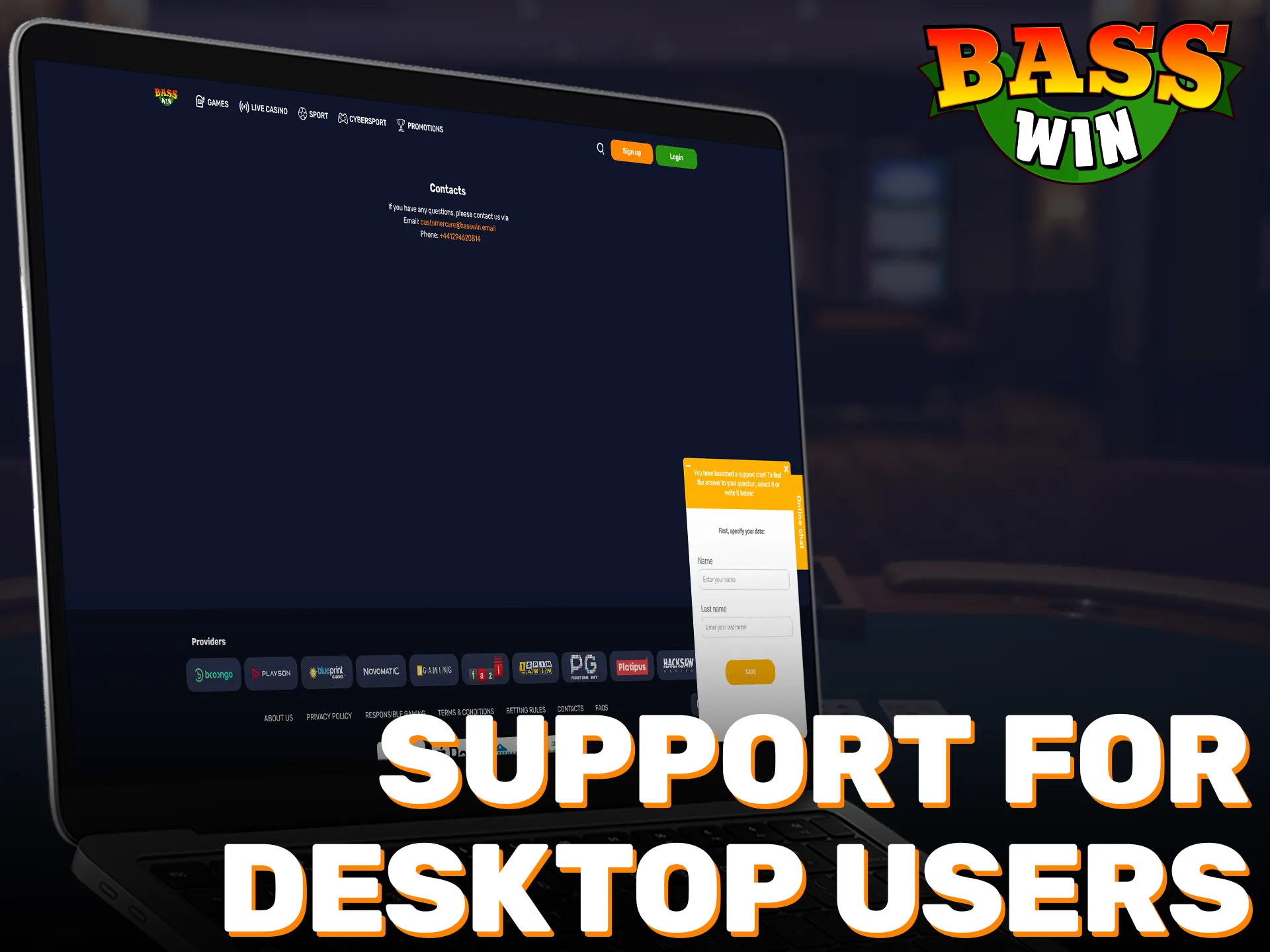
Support for desktop users
Help is available if you need assistance installing, logging in, or managing your account. Use any of the contact options below.
- Live chat: open the chat icon in the app or on the website, available 24/7.
- Email: [email protected]
- Help Centre: app menu > Help & FAQs for guides and troubleshooting.
- X/Twitter: @BasswinSupport
- Facebook: facebook.com/BasswinOfficial
FAQ
Is the desktop app free to download in the UK?
Yes, the download is free and installation takes only a few minutes.
Can I use the same account on computer and mobile?
Yes. Your account works across desktop and mobile, so you can log in on either.
What are the minimum system requirements?
Windows 10 or 11 or macOS 11+, 4 GB RAM, 1 GB free storage, and a stable internet connection.
How do I change deposit or loss limits?
Go to Account > Responsible Gambling in the app and adjust limits at any time.
Is in-play streaming available in the desktop client?
Selected events include streams where rights and eligibility apply. Availability varies by event and location.
Updated: