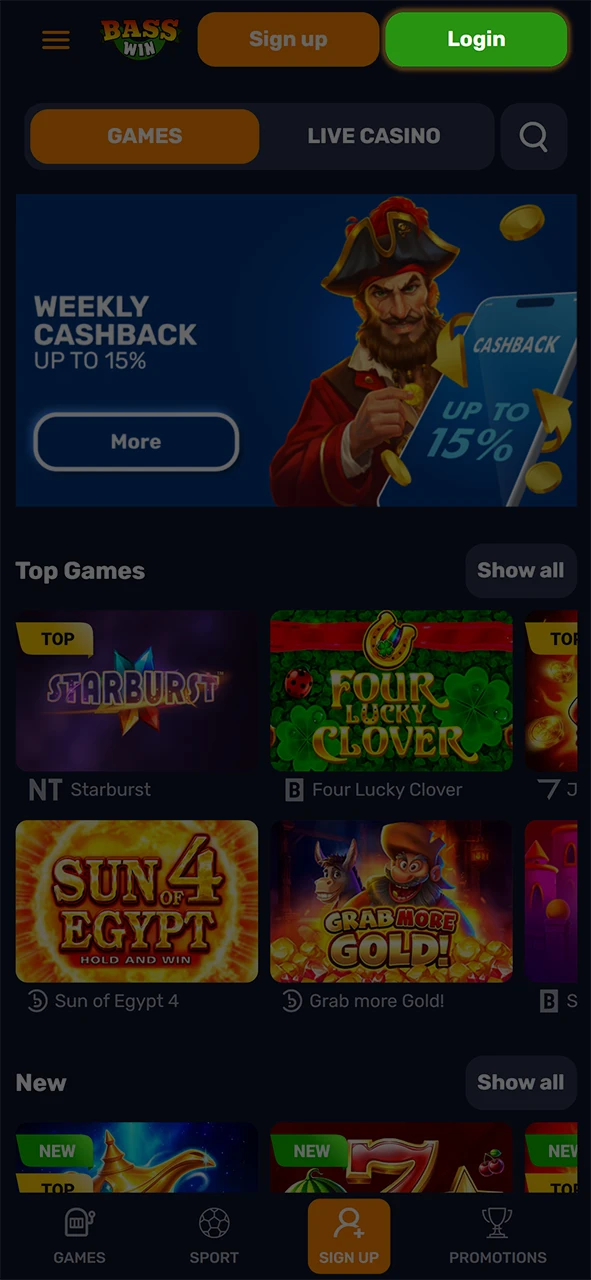
Fast, secure sign in for UK players

Use the Basswin official website login or mobile app to sign in fast using your email and password. You can complete your Basswin log in any time after registration and KYC verification; data is protected by encryption, and two-step verification is available on compatible accounts. Once signed in, you can bet on sports, play casino games, view your bonuses, and manage deposits and withdrawals.

Fast, secure Basswin UK sign-in on web or app, with email/password, encryption, and optional 2FA.

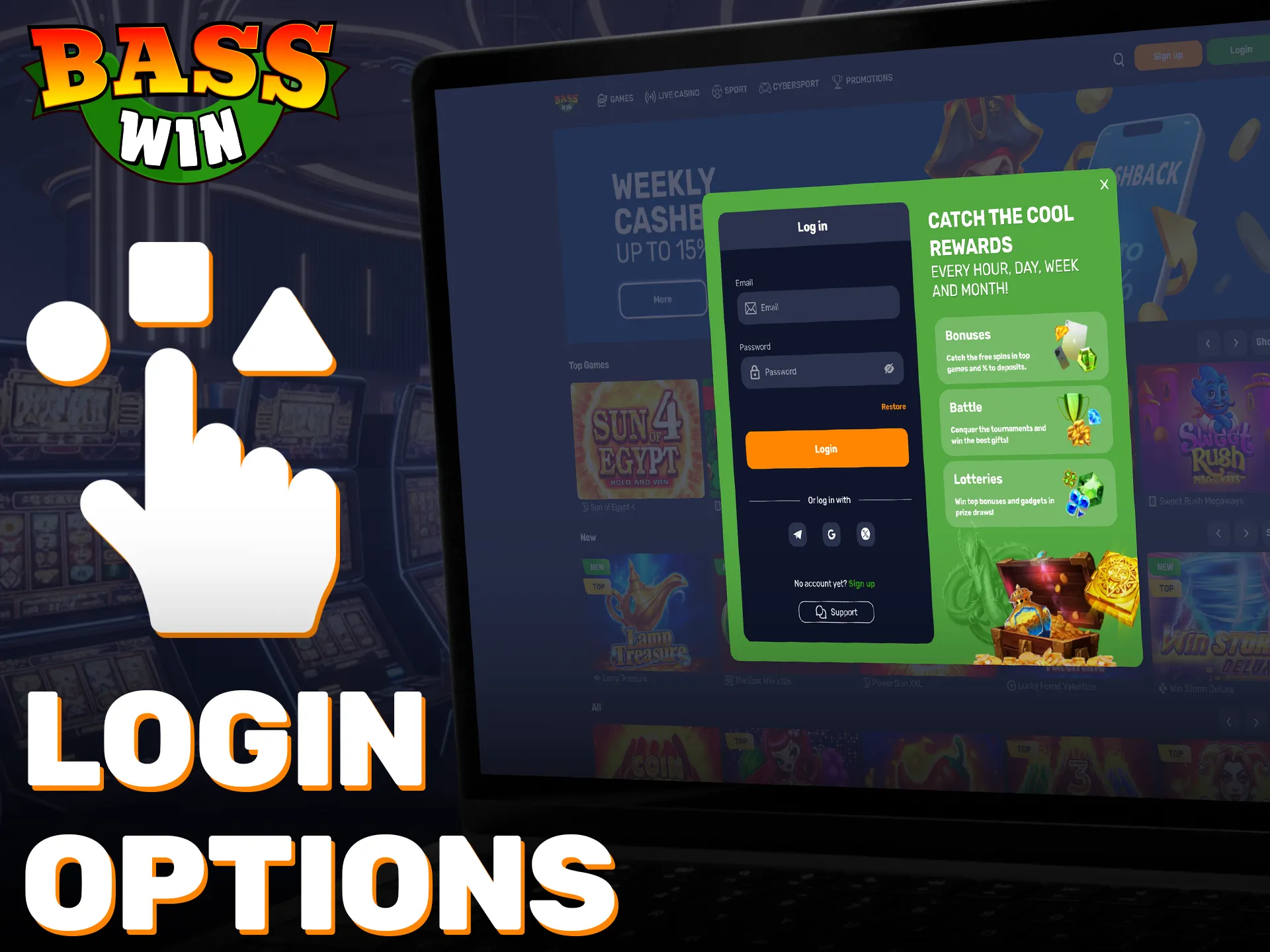
Basswin account login options in the UK

You can access your account on any device. Pick the method that suits you.

Email and password, mobile app sign in

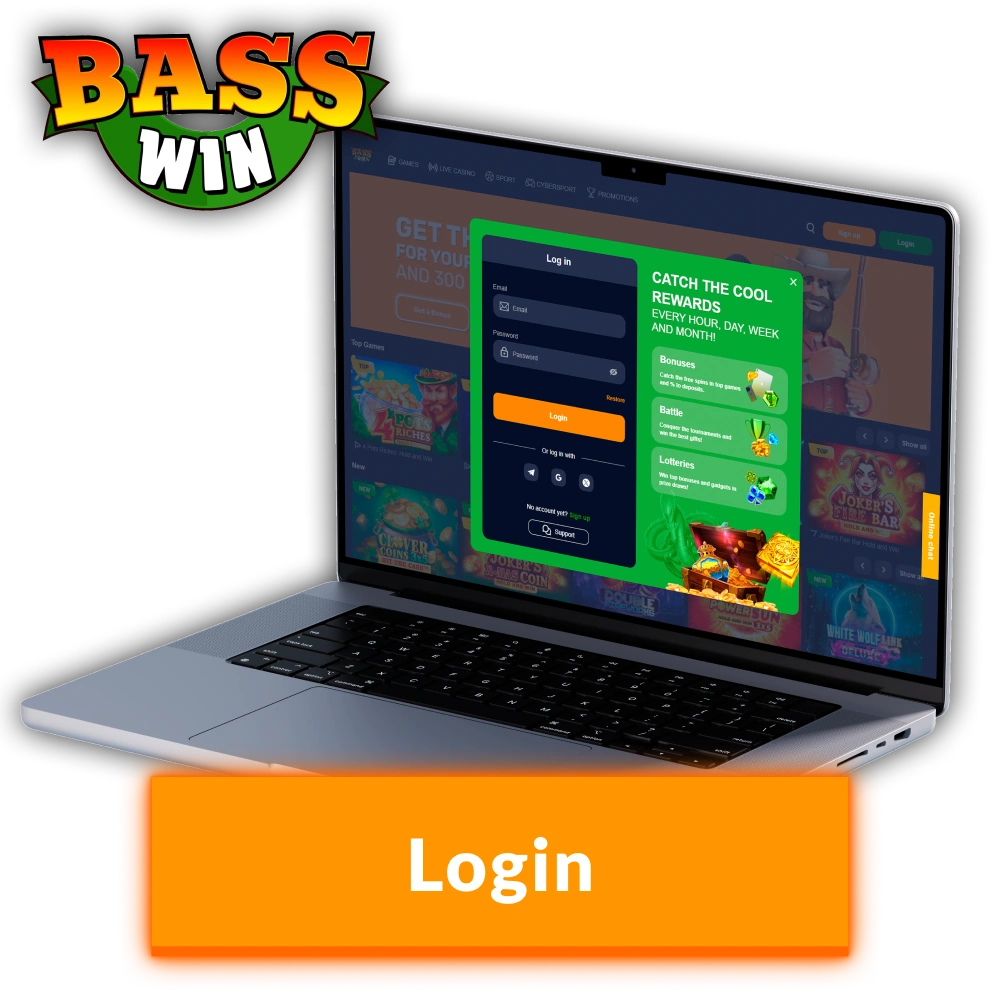
Email address login

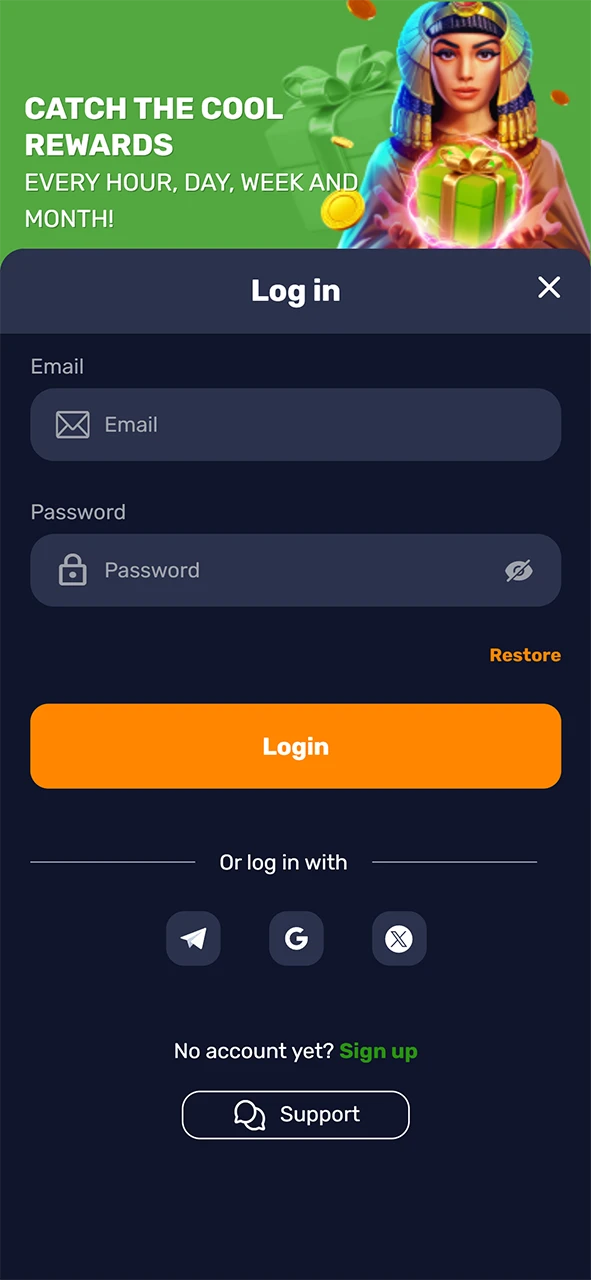
  1. Go to the login page on the official site or open the app.
  2. Enter your registered email address and password.
  3. Tick Remember me on a private device if you want faster access next time.
  4. Tap Log in. Complete two-step verification if prompted.
Login

Sign in on the Basswin app

The Basswin mobile app suits quick access on your device and feels different to the website. You can stay signed in on a trusted device for faster entry.

Login

1

Download the app for iOS or Android from the official links.

2

Open the app and tap Log in.

3

Enter your email and password, or use biometrics if enabled on your device.

4

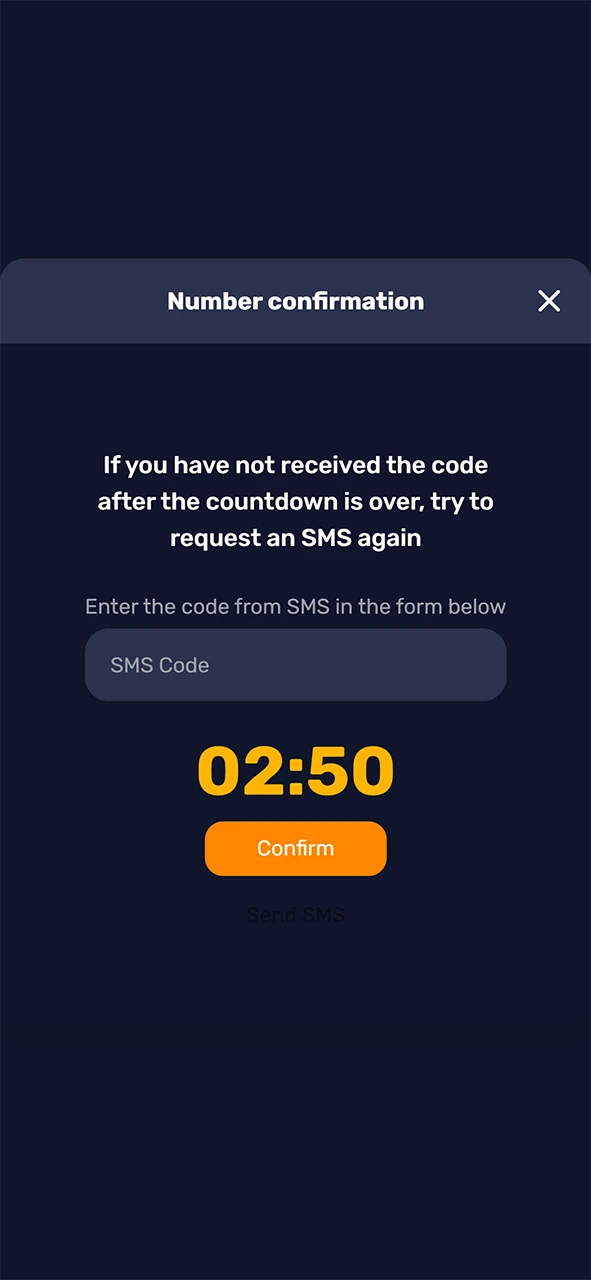
If asked, enter the two-step verification code.

5

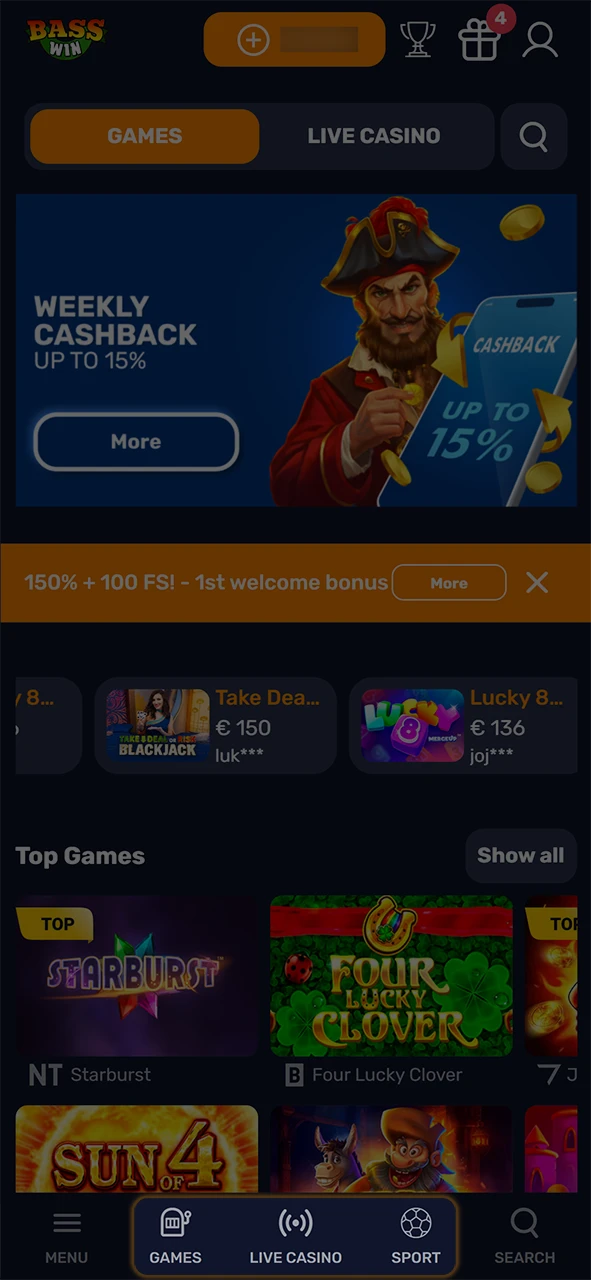
Choose Sports or Casino from the home screen and continue.

Basswin login problems and solutions

If you cannot access your account, try these fixes. Here are common issues and a solution for each.

Problem Solution
Incorrect email or password Check for typos, turn off Caps Lock, and reset your password if needed.
Account locked after failed attempts Wait 15 minutes, then reset your password or contact support via live chat or email.
Two-step code not arriving Check spam, confirm your device time is correct, request a new code, or use a backup method if set.
KYC verification pending Sign in once documents are approved. Check email for requests or upload in your profile.
Technical error on the site or app Clear cache and cookies, update the app or browser, or try another device and network.
Basswin login issues guide showing common problems and quick fixes: password errors, lockouts, 2FA, KYC, tech glitches.

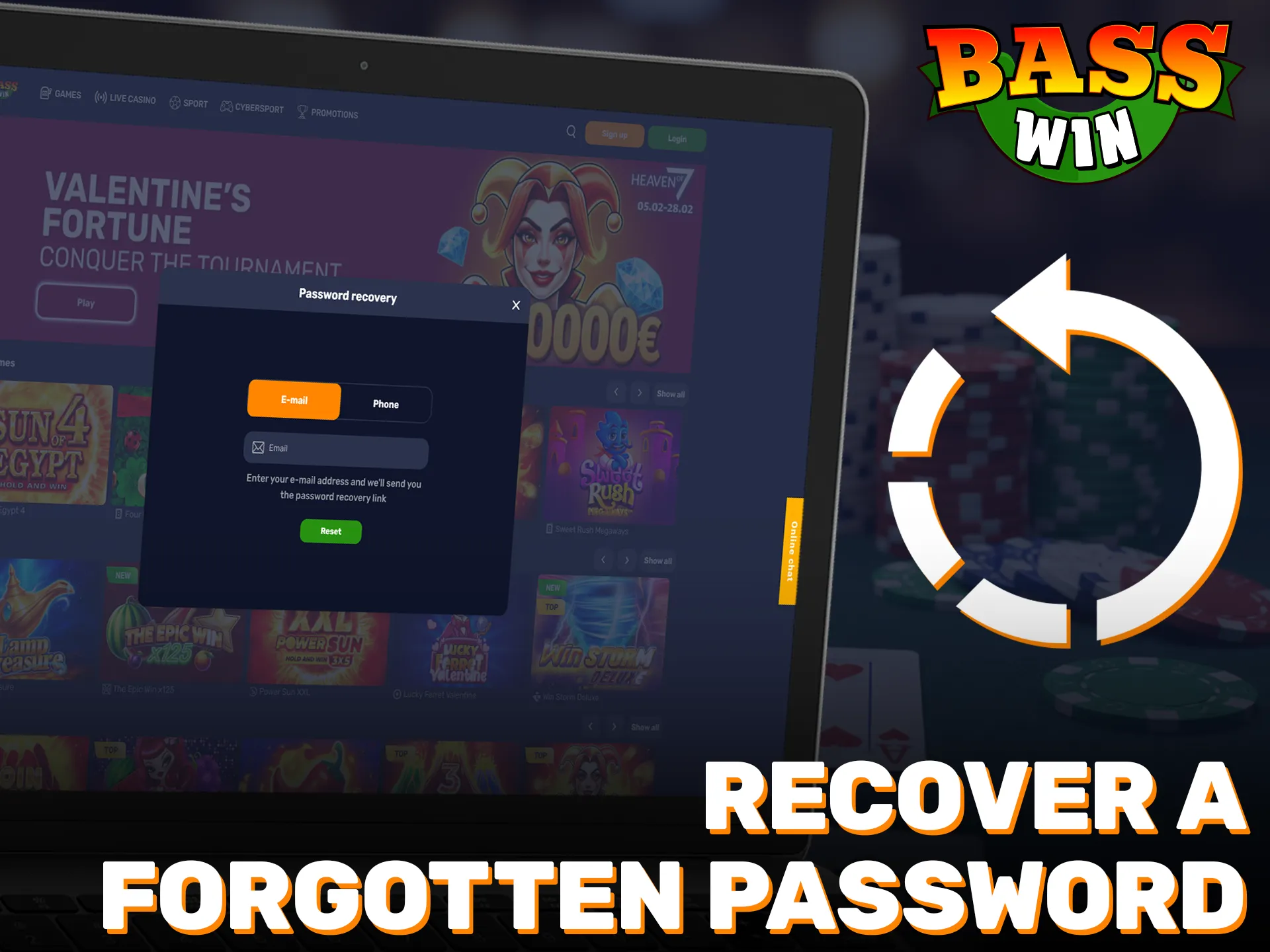
Recover a forgotten password

You can reset your password online in minutes. Follow these steps to regain access.

1

Click “Forgot Password” on the login page.

2

Enter your registered email address. If SMS or authenticator recovery is available on your account, choose the option you prefer.

3

Open the message and follow the link or enter the code.

4

Set a new password that is unique and strong, then sign in.

5

If nothing arrives after a few minutes, check spam or request another code.

FAQ

Can you stay signed in on a trusted device?

Yes. Tick Remember me during sign in on a private device only.

How do you change your email address?

Sign in, go to Profile and Account settings, update your email, then confirm via the verification link.

Can you log in from outside the UK?

You must be in the United Kingdom to play for real money. Geo-location checks may apply.

What browsers work best for the official website login?

Use the latest versions of Chrome, Safari, Edge, or Firefox for the best experience.

How do you contact support if you cannot sign in?

Go to the Help page and use live chat or email. Provide your name, date of birth, and registered email so your identity can be verified.

Updated: